UI/UX Design Services: How Great Design Turns Visitors Into Loyal Customers
Design & Creative · By Futurise Solutions ·
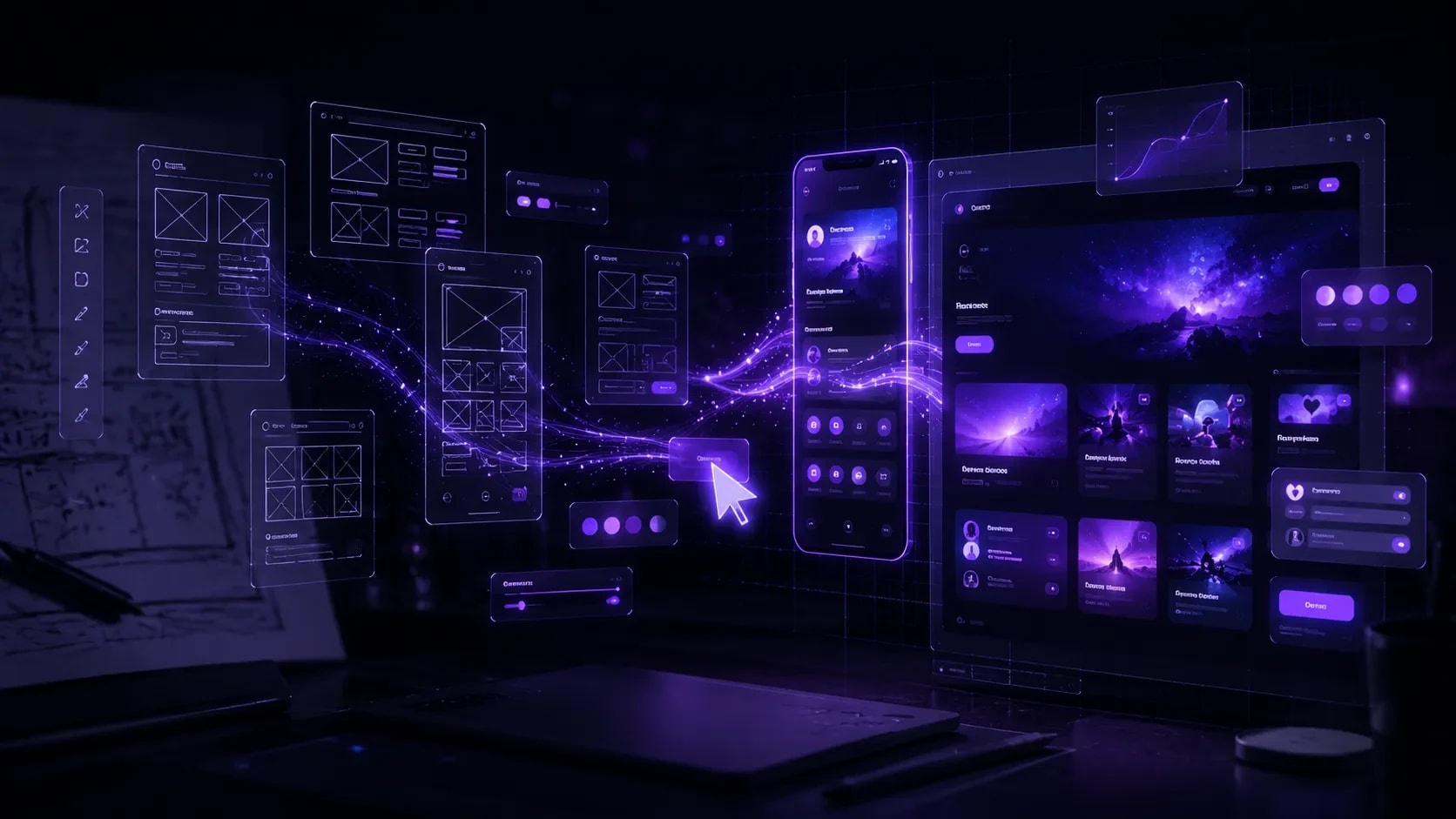
Explore how Futurise Solutions delivers user-centric UI/UX design — from UX research and wireframing to high-fidelity interfaces, interactive prototypes, and scalable design systems — that reduce churn, boost conversions, and make your product unforgettable.
Every pixel on your screen is a decision. Every click, every scroll, every moment of hesitation — they all happen because of design choices made long before your user ever arrived. The difference between a product people love and one they abandon within 30 seconds is rarely the technology. It is almost always the design.
At Futurise Solutions, we design digital experiences that feel inevitable — so natural and intuitive that users never have to think about the interface. They just get things done. And when users achieve their goals effortlessly, businesses grow.
This is what UI/UX design actually does when done right.
What Is UI/UX Design and Why Does It Matter?
UX (User Experience Design) is the process of understanding your users deeply — their goals, frustrations, mental models, and behaviours — and designing a product flow that serves those needs with minimum friction.
UI (User Interface Design) is the craft of translating that experience into visual form — layouts, typography, colour, motion, components, and micro-interactions that look polished and feel responsive.
Together, UX and UI are not decoration. They are strategy made visible.
The Business Case for Great Design
- Every $1 invested in UX returns $100 on average (Forrester Research)
- A well-designed UI can increase conversion rates by up to 200%
- 88% of online users will not return to a website after a bad user experience
- Reducing user errors through better UX cuts support costs by 30–40%
- Products with strong design outperform the S&P 500 by 219% (McKinsey Design Index)
Design is not a cost centre. It is your highest-leverage growth lever.
Our UI/UX Design Services
1. UX Research & Discovery
Before a single wireframe is drawn, we invest in understanding. Great design is not guesswork — it is evidence.
What we do:
- User interviews — 1-on-1 sessions to surface real goals, pain points, and mental models
- Competitive analysis — audit what competitors are doing right and where they fail your shared users
- Heuristic evaluation — expert review of your existing product against 10 usability principles
- User journey mapping — visualise every touchpoint from first awareness to loyal advocacy
- Jobs-to-be-done framework — understand what users are really hiring your product to do
- Analytics audit — read your existing data (drop-off points, rage clicks, dead ends) as user signal
Deliverables: Research synthesis report, user personas, empathy maps, opportunity matrix
2. Information Architecture & Wireframing
Structure determines experience. Before colour and typography, we design the skeleton — how content is organised, how navigation flows, and how users move from intent to outcome.
What we do:
- Site mapping — define every page, section, and content hierarchy
- User flow diagrams — map every possible path a user takes through your product
- Low-fidelity wireframes — fast, focused layouts that test structure without the distraction of visual polish
- Content prioritisation — decide what goes above the fold, what gets buried, and what gets cut entirely
- Navigation architecture — menus, breadcrumbs, filters, and wayfinding systems
Deliverables: Sitemap, user flow diagrams, low-fidelity wireframe set
3. High-Fidelity UI Design
This is where structure becomes experience. We design interfaces that are not just functional — they are genuinely beautiful, brand-consistent, and built to convert.
What we do:
- Visual design — colour systems, typography scale, spacing, iconography, and layout grids
- Component design — buttons, inputs, cards, modals, navigation bars, data tables, and every UI element your product needs
- Responsive design — pixel-perfect layouts for mobile, tablet, and desktop from a single design system
- Dark/light mode — if your product needs it, we design both with equal care
- Accessibility (WCAG 2.1) — colour contrast, focus states, screen reader-friendly markup, keyboard navigation
- Micro-interactions — hover states, loading animations, transition flows that make the interface feel alive
Tools: Figma (primary), Adobe XD, Framer
Deliverables: Full high-fidelity UI screens for all breakpoints, annotated handoff file for developers
4. Interactive Prototypes
A static mockup cannot tell you if your design works. An interactive prototype can. Before development begins, we build clickable, animated prototypes that simulate the real product experience — so you can test, validate, and iterate without writing a line of code.
What we do:
- Clickable Figma prototypes — full user flow simulations with realistic interactions
- Animation & motion design — transitions, page animations, scroll behaviours, and gesture responses
- Usability testing on prototypes — observe real users completing tasks, identify friction before it ships
- Stakeholder presentations — share interactive prototypes with investors, executives, or clients for aligned feedback
- A/B design variations — test two interface approaches before committing to development
Deliverables: Interactive prototype link, usability test report, iteration recommendations
5. Design Systems
A design system is a single source of truth — a shared library of components, tokens, patterns, and guidelines that keeps every screen in your product consistent, regardless of who built it or when.
What we build:
- Component library — every UI element documented in Figma with variants, states, and usage rules
- Design tokens — colours, spacing, typography, shadow, and border radius as named variables that sync with code
- Pattern library — documented UX patterns (empty states, error handling, onboarding, notifications)
- Brand & style guide — visual identity rules that extend from marketing to product consistently
- Developer handoff — Figma-to-code documentation, CSS variable exports, and Storybook integration guidance
Why it matters: Without a design system, every new feature is designed and built from scratch. With one, your team moves 3x faster and your product stays visually coherent at any scale.
Deliverables: Figma component library, design token documentation, usage guidelines
Our UI/UX Design Process
| Phase | What Happens | Output |
|---|---|---|
| Research | User interviews, analytics audit, competitive review | Insights report, personas |
| Define | Problem framing, user journey, opportunity areas | Journey maps, problem statements |
| Ideate | Design exploration, mood boards, reference gathering | Concept directions |
| Wireframe | Structure and flow without visual design | Low-fidelity wireframes |
| Design | Full UI design across all screens and breakpoints | High-fidelity mockups |
| Prototype | Interactive simulation of the product | Clickable Figma prototype |
| Test | Usability testing with real users | Test report, iteration list |
| Handoff | Developer-ready files, annotations, and specs | Figma handoff, design system |
What Makes Our Design Different
Research-First, Always
We have never designed a single screen before completing discovery. Opinions are easy. Evidence is what drives outcomes. Every design decision we make can be traced back to a user insight or a business goal.
Design That Developers Love to Build
Beautiful designs that are impossible to implement are worthless. We design with engineering constraints in mind — realistic shadows, achievable animations, component structures that map to actual code. Our Figma handoffs are legendary among developers for their clarity.
Conversion-Oriented UX
We are not just designing for aesthetics. We are designing for outcomes — sign-ups, purchases, activations, retention. Every layout decision considers the psychological principles of attention, trust, and motivation.
Accessibility as Standard
We design to WCAG 2.1 AA minimum. Not because clients ask for it, but because it is the right way to build — and it improves the experience for every user, not just those with disabilities.
Collaborative Process
You are never handed a design and told to accept it. Our process includes multiple feedback rounds, async Figma commenting, and weekly syncs. You see and shape the work as it evolves.
Industries We Design For
| Industry | Common Projects |
|---|---|
| SaaS | Dashboards, onboarding flows, settings, data visualisation |
| E-commerce | Product pages, cart, checkout, filtering, wishlist |
| Fintech | Trading interfaces, wallets, transaction history, KYC flows |
| Healthcare | Patient portals, appointment booking, health dashboards |
| Real Estate | Property listings, map search, agent profiles, lead capture |
| EdTech | Course players, progress tracking, quiz interfaces |
| Marketplaces | Seller dashboards, listing creation, review systems |
Real Results Our Design Delivers
- +67% increase in free trial sign-ups after redesigning a SaaS onboarding flow
- 3.2x higher checkout completion after reducing cart steps from 5 to 2
- 42% reduction in support tickets after reworking a confusing settings interface
- 91% task completion rate in usability testing for a redesigned mobile banking app
- 58% lower bounce rate after redesigning a property listing page with clearer hierarchy
Tools & Software We Use
| Tool | Purpose |
|---|---|
| Figma | Primary UI design, prototyping, design systems, handoff |
| Adobe XD | Alternative prototyping and client presentations |
| Framer | High-fidelity interactive prototypes with real code output |
| Maze / Useberry | Remote usability testing and prototype analytics |
| Lyssna | First-click testing and preference testing |
| Miro | Collaborative workshops, journey mapping, ideation |
| Notion | Research documentation and design briefs |
Frequently Asked Questions
Do I need UX research if I already know my users? Almost every founder who says this discovers something surprising within the first week of research. What users tell you they want and what they actually do are rarely the same. Research removes expensive assumptions.
How long does a UI/UX project take? A focused landing page or feature redesign typically takes 2–3 weeks. A full product design (multi-screen app with design system) typically takes 6–12 weeks depending on scope and feedback cycles.
Can you redesign an existing product without breaking it? Yes — and we do it often. We audit the existing experience, identify the highest-impact changes, and prioritise improvements that can be implemented incrementally without disrupting current users.
Do you work with our existing development team? Absolutely. We design in Figma with developer handoff in mind and can work directly with your engineers to answer implementation questions throughout the build.
Ready to Design Something Users Will Love?
If your product is losing users at onboarding, your conversion rate is stagnant, or you simply know your interface needs a serious upgrade — let's talk.
Book a free design consultation and we will audit one key flow in your product and share three actionable improvements you can make right now — whether you work with us or not.
No obligation. Just genuine insight.
Book Your Free Design Consultation →
Futurise Solutions is a global digital agency delivering UI/UX Design, Web Development, App Development, AI & ML, Blockchain, and Digital Marketing services to clients across the USA, UK, Australia, India, UAE, and beyond.